StreamCanvas
A downloadable tool for Windows and Linux
Design animated broadcast graphics — lower thirds, overlays, alerts, QR codes — and play them live in OBS Studio.
This download includes two parts:
- StreamCanvas Editor — the desktop app where you build scenes.
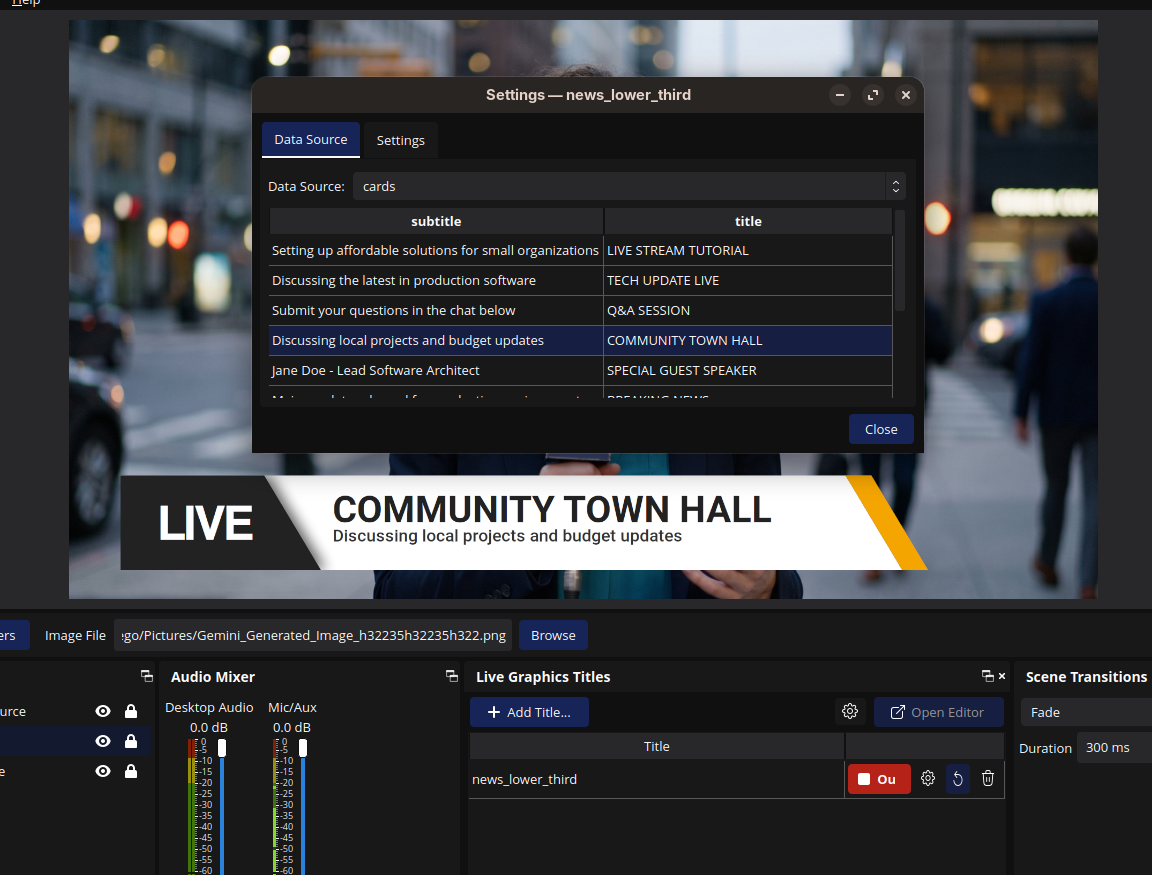
- StreamCanvas OBS plugin — the OBS Studio source that plays those scenes back live, animations included.
You build a scene once in the editor and save it. In OBS, you add a StreamCanvas source, point it at the saved scene, and the plugin renders it during your stream.
Features
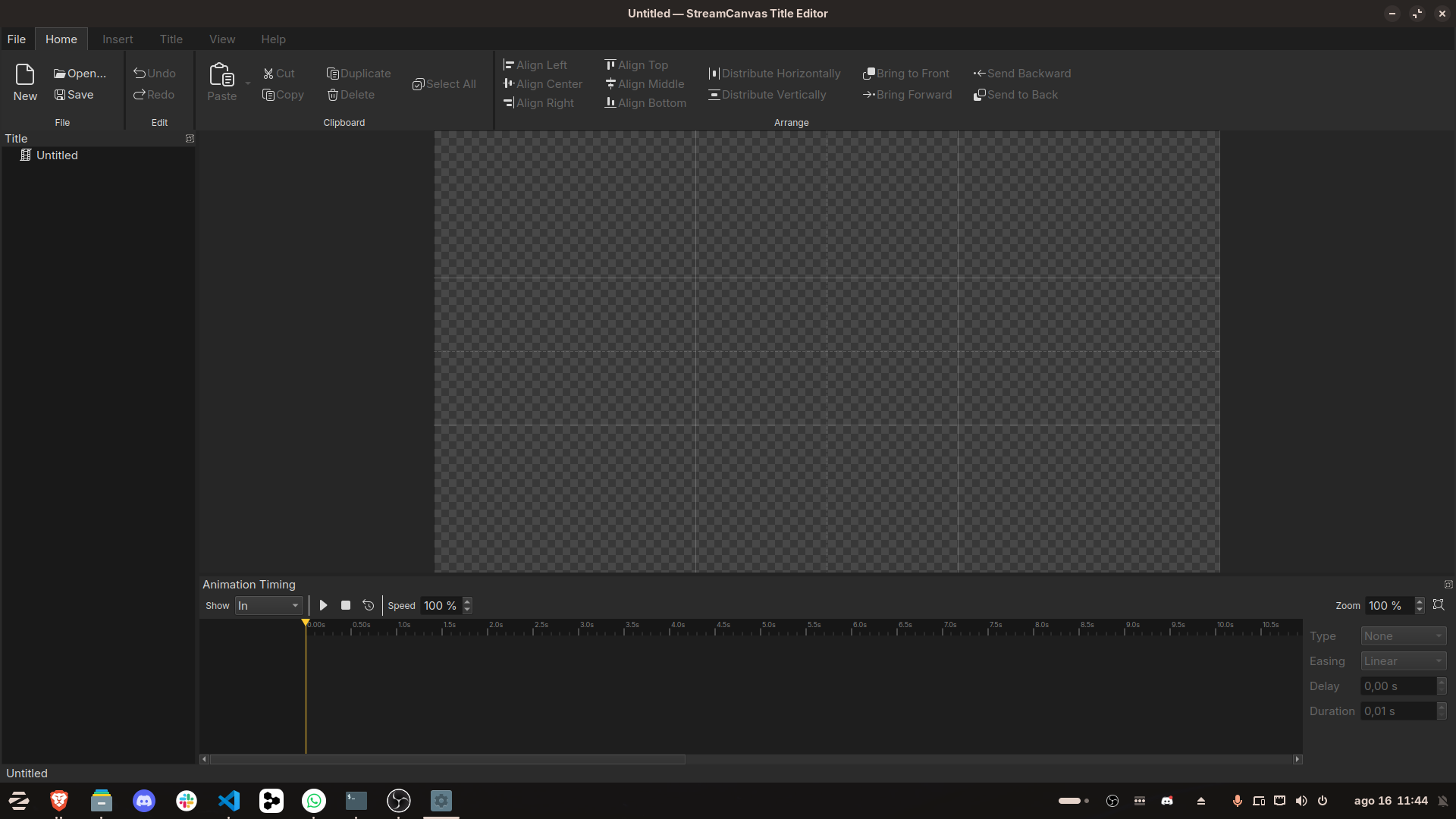
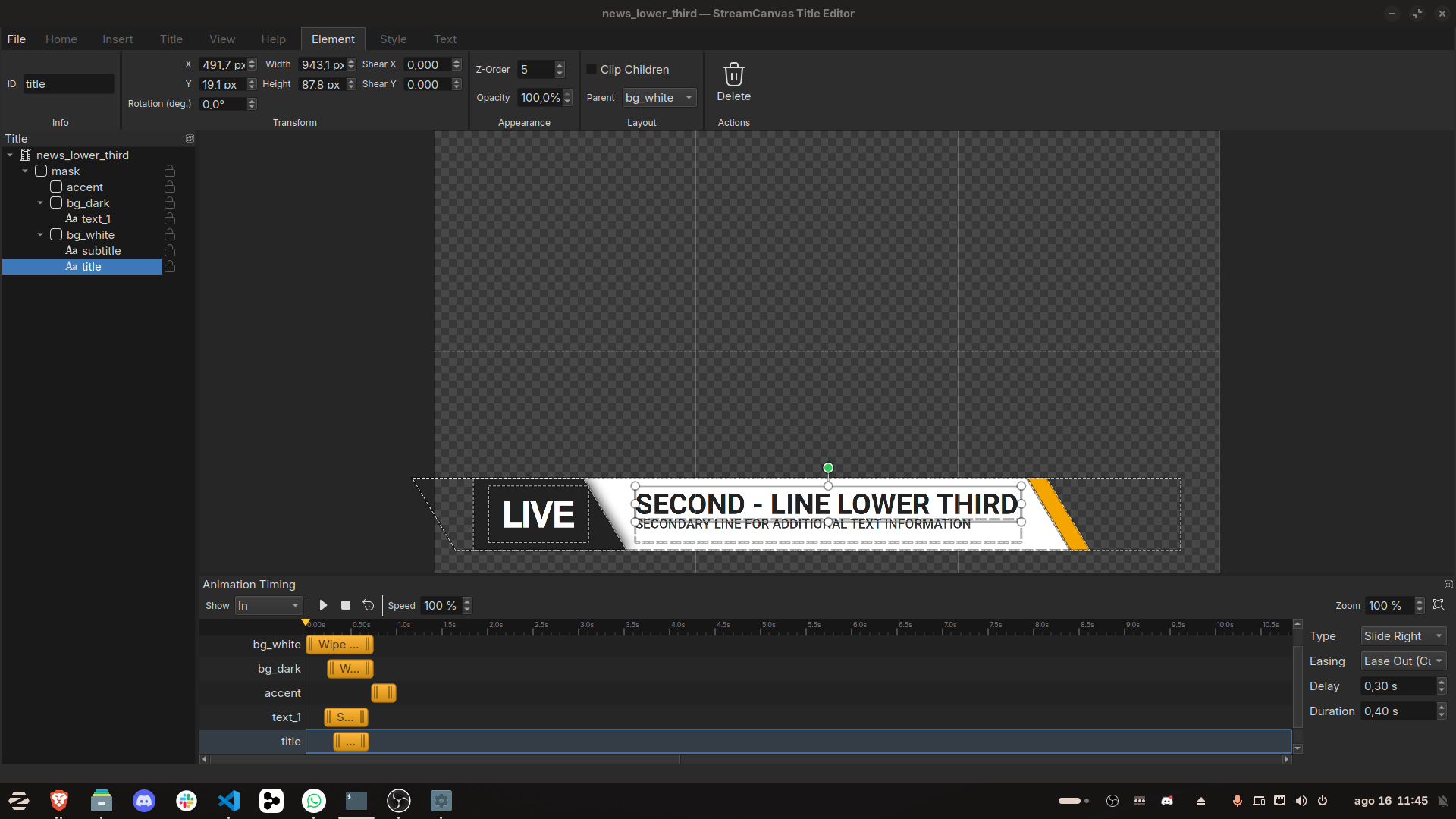
- Canvas-based scene editor with text, image, and QR code elements
- Move, resize, rotate, and shear elements
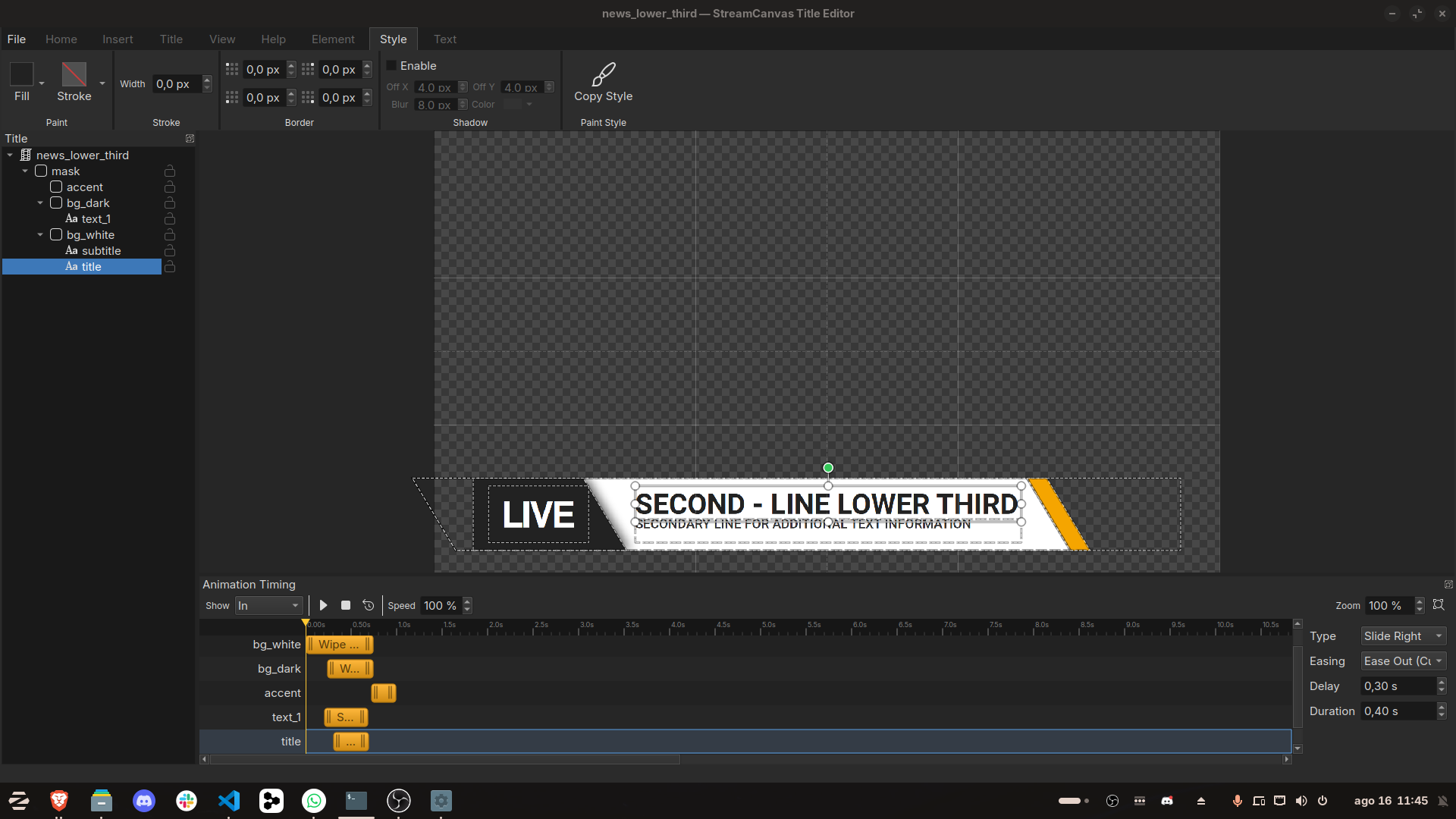
- Style editor with linear and radial gradients, corner radius, padding, and drop shadows
- In and out animations, plus data-driven animations that trigger when live data changes (score updates, follower counts, and similar)
- Timeline editor for animation timing
- Layer tree with drag-and-drop reordering
- Multi-select with marquee selection, group move, align, and distribute
Requirements
- OBS Studio, for playback
- Windows or Linux
Install
Windows
- Unzip the downloaded
plugin-<version>-windows-x64.zip(where<version>is the release tag, e.g.v1.0.0). - Copy the whole
stream-canvasfolder (not just the.dll— it ships with required dependency DLLs such as Cairo, Pango and OpenSSL) to:
so you end up with%ProgramData%\obs-studio\plugins\%ProgramData%\obs-studio\plugins\stream-canvas\bin\64bit\stream-canvas.dll - The archive also contains
bin,include,lib, andsharefolders at the top level — these are unrelated build artifacts, not part of the plugin. Ignore them. - Restart OBS Studio.
Linux
tar -xzf plugin-<version>-linux-x86_64.tar.gz
sudo cp lib/x86_64-linux-gnu/obs-plugins/stream-canvas.so /usr/lib/x86_64-linux-gnu/obs-plugins/
sudo cp -r share/obs/obs-plugins/stream-canvas /usr/share/obs/obs-plugins/
The archive also contains an include folder and extra static libraries — unrelated build artifacts, not needed at runtime.
Restart OBS Studio.
Verify
After restarting, the Live Graphics Titles dock appears automatically. If it is not visible, go to Docks in the menu bar and enable it.
Docs
Purchase
In order to download this tool you must purchase it at or above the minimum price of $19.99 USD. You will get access to the following files: